Bills, paydays and the calendar
The Recurring page: every bill with its frequency and next date, paydays and mortgage halves as rows, the month calendar, and how Ample detects and confirms bills.
Updated September 5, 2026 · 2 min read
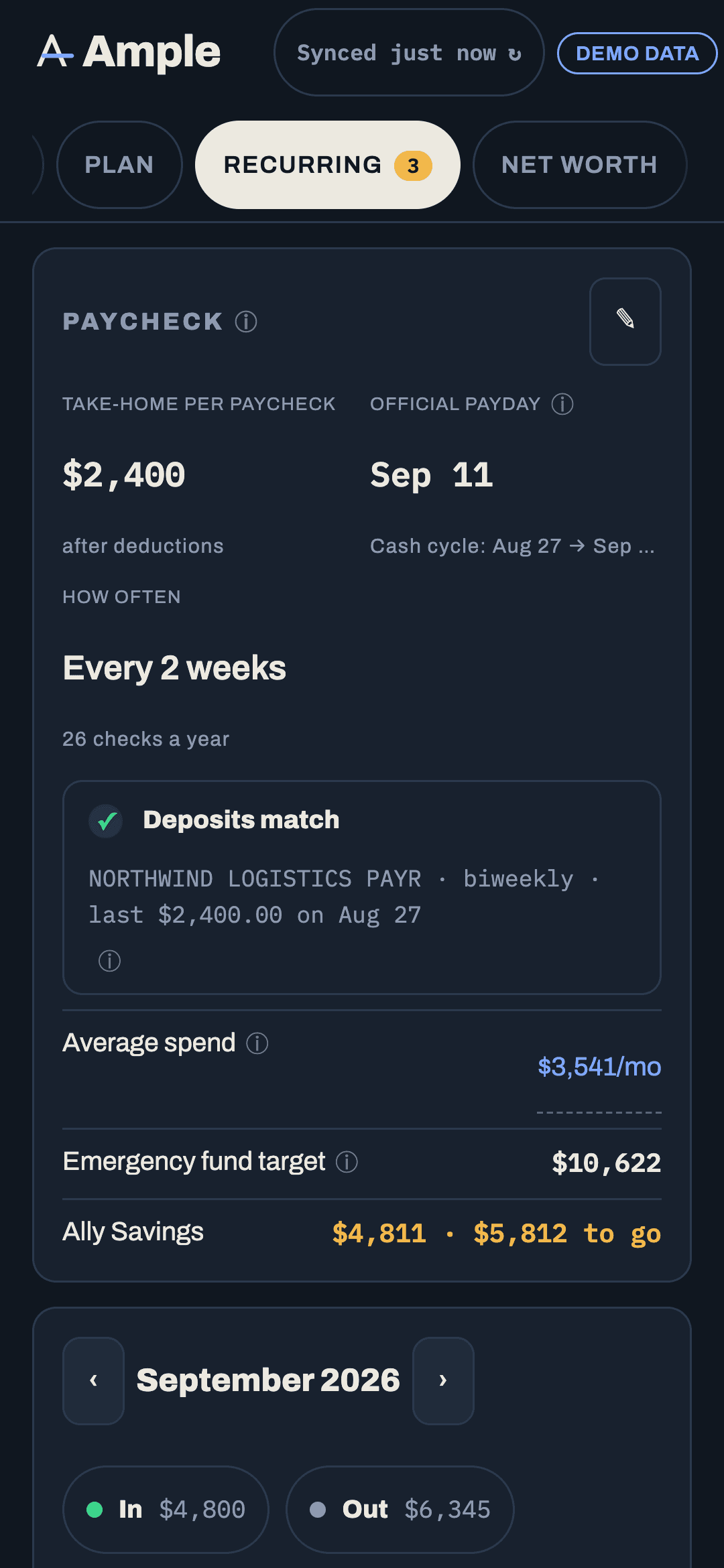
Recurring is where bills, paydays and the calendar live. It is the source for the Fixed bucket in Budgets and for the plan on Today, so the more accurate it is, the better everything else gets.
The list
Each row is a bill with its name, amount, frequency (weekly through annual), next due date, the account it pays from, and the paycheck that will pay it. Paydays appear as rows too, with "official Sep 11 · lands Sep 9" when your bank releases early. Mortgage halves show as rows on each payday when the mortgage is flagged as paycheck-deducted.
A count badge on the nav item shows bills due within the next seven days.
The calendar
The month grid marks bills, paydays, mortgage halves and pending transfer instructions. Tap a day to see what lands. It is the fastest way to spot a bill sitting a day before payday, which is the shape of most overdrafts.
How bills are detected
Ample proposes bills from your transactions: charges that repeat on a cadence, with a merchant it recognizes across the small wording differences banks introduce. Each proposal shows the evidence (the last few charges and dates). Confirm turns it into a bill; Ignore hides that candidate. A bill that is really the same as one you already have is merged, not duplicated.
You can also create a bill from any transaction (⋯ › Create bill), link a transaction to an existing bill as its payment, or add a bill by hand with a name, amount, frequency and anchor date. Biweekly bills use a date picker for the anchor so the fourteen-day grid is exact.
Paid detection
When a charge matching a bill posts near its due date, the bill is marked paid for that occurrence and the next due date advances. If a bill's amount varies (utilities), the match allows for that. You can Mark paid by hand, or unlink a wrong match from the transaction.
Moving a due date
Tap a bill and edit its due day or anchor. If a bill always lands a day or two before payday, the fix is to ask the biller to move the date to just after payday; most will. Ample flags bills that fall before the paycheck meant to pay them so you know which ones to call about.
Frequencies
Weekly, every two weeks, twice a month, monthly, every two months, quarterly, every six months, annual. Bills that recur less often than monthly are also offered as non-monthly seeds in Budgets so the month accrues toward them. See Non-monthly expenses and accrual.
Paycheck-deducted bills
Flag a bill as paid from each paycheck (mortgage halves are the common case) and it is planned at halves × paydays in the month: two halves in a normal month, three in a 3-paycheck month. The Budgets fixed bucket picks it up automatically and pins it.
Still stuck?
Tell us what you were trying to do and what happened. A person reads every message.
Contact support